Build rhythm reading the way it's actually used β counted out loud, played in time, and reviewed with feedback. Start at level one and climb at your own pace, on whatever instrument you're learning.
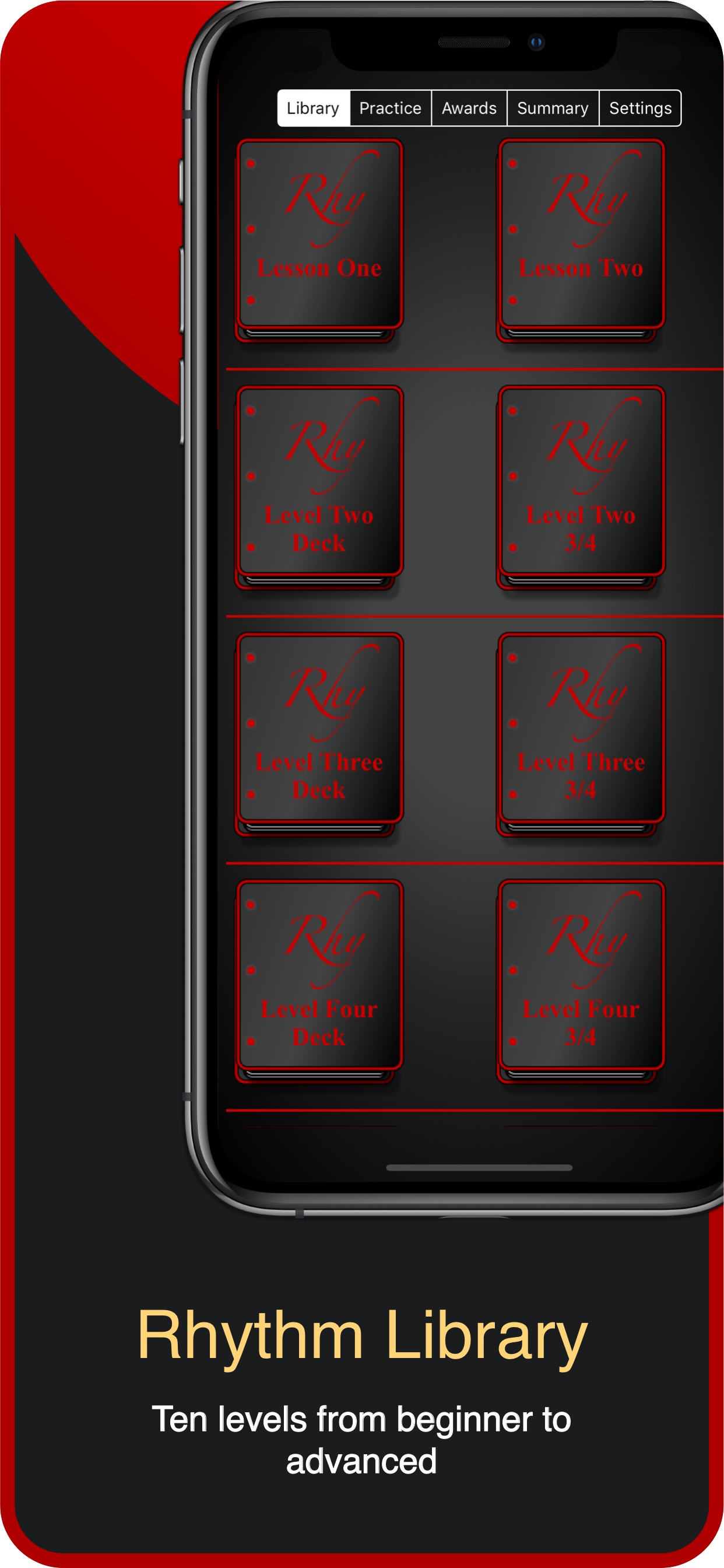
A consistent, structured rhythm library you can assign between lessons. Patterns are graded across ten levels and grouped into musical contexts students will see in real repertoire β drums, piano, guitar, woodwinds, brass, and voice.
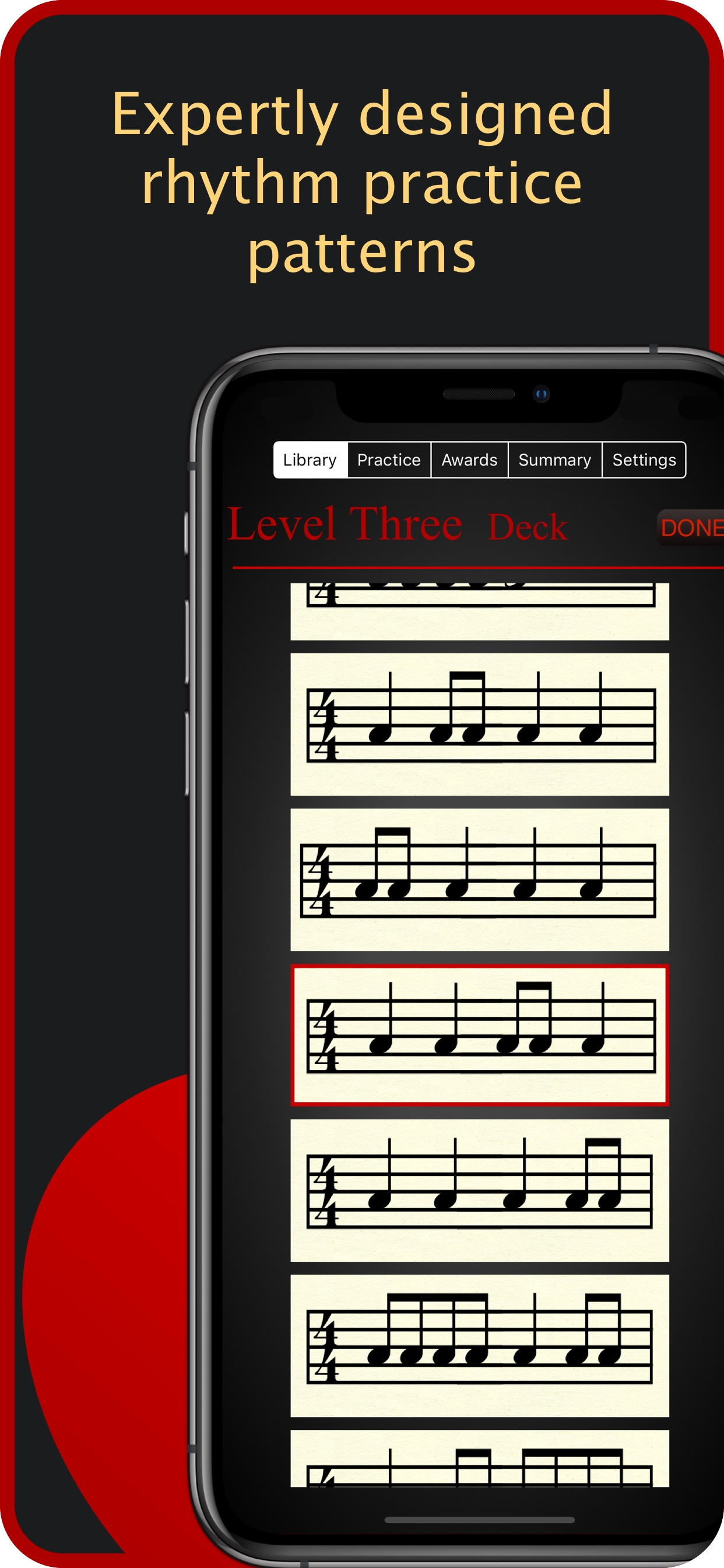
A deep, structured rhythm library covering common time, compound meters, syncopation, and rests β organized so the next pattern always builds on the last.
Ten progressive levels carry you from quarter notes to advanced syncopation. Each level unlocks once the last one is solid.
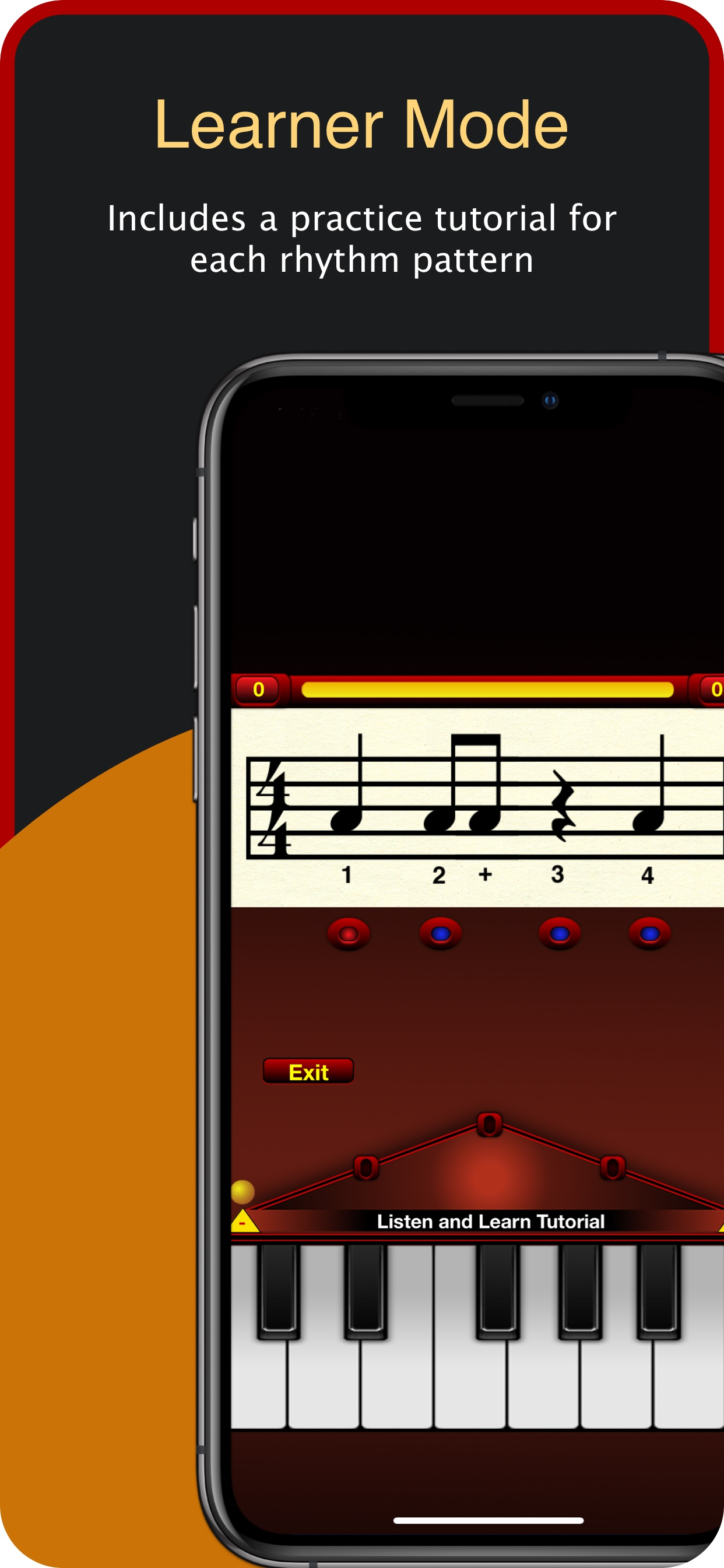
Every pattern is counted "1 e & a" so what you read on the page lines up with what you say out loud and what your teacher hears.
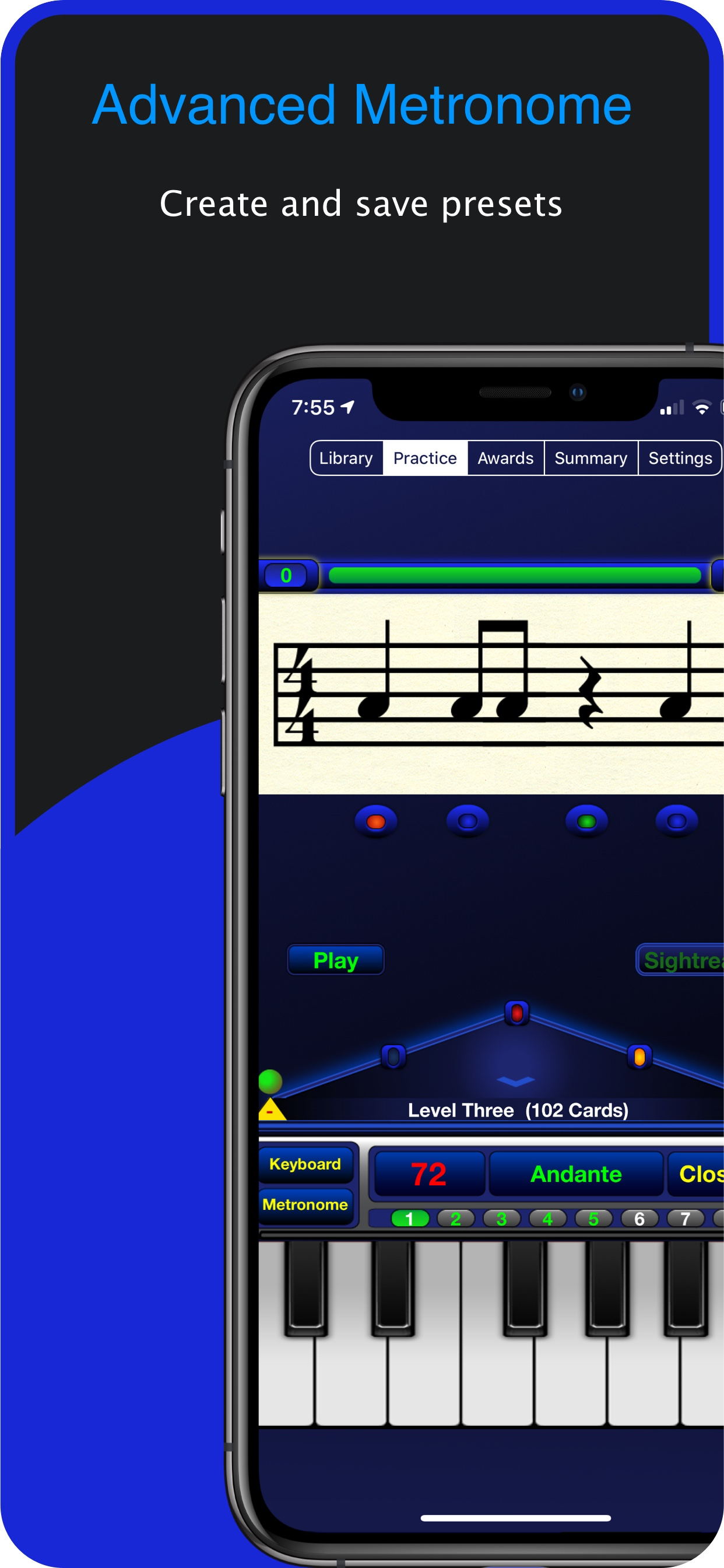
Tap the on-screen piano keyboard along to the pattern as it scrolls by. The app shows you in the moment which notes landed where they should β no microphone, no extra hardware.
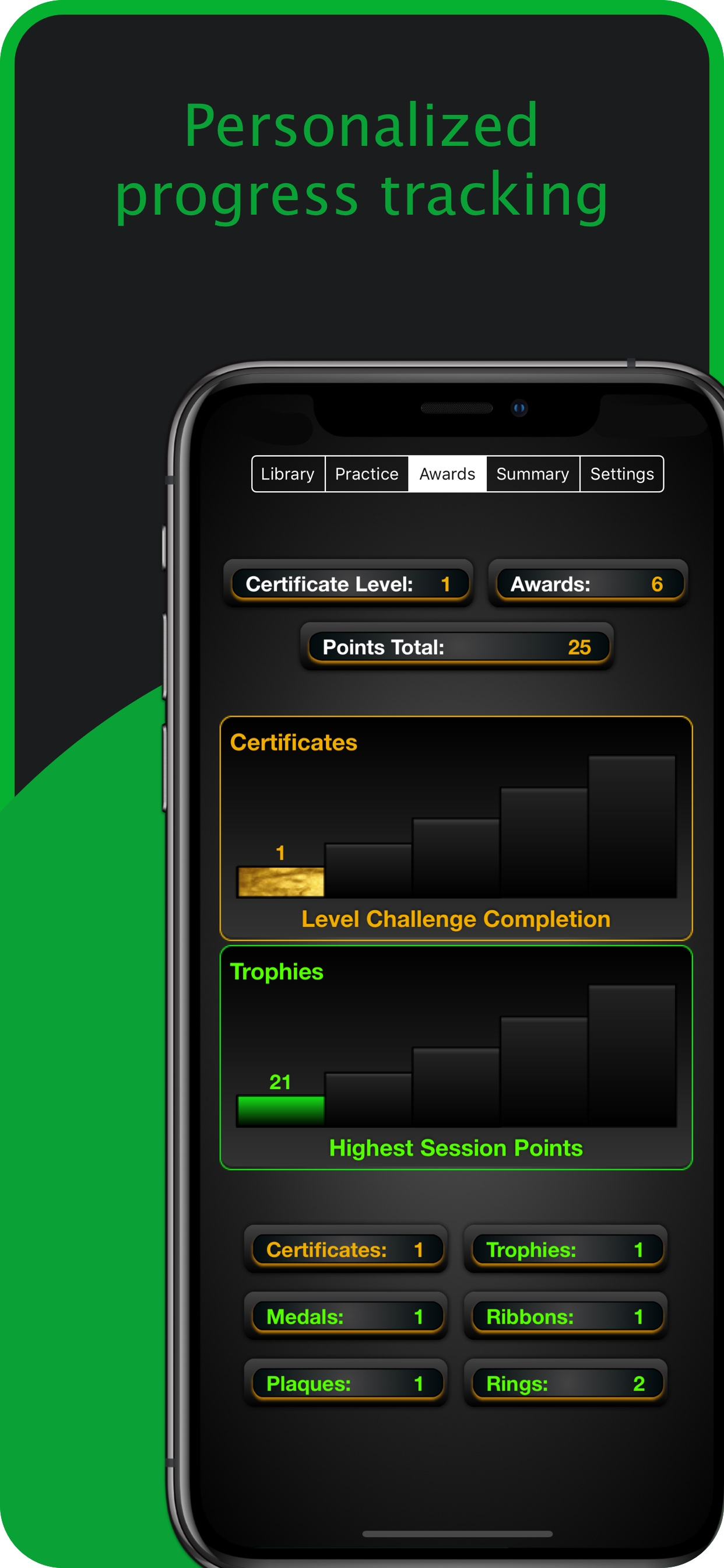
Earn medals, ribbons, trophies, and printable certificates as you complete each level β a record of progress to share with a teacher or parent.
Daily rhythm practice exercises focused attention, sensory perception, and short-term memory β the same skills that support reading, math, and music together.
Hover to pause.


Rhythm Trainer by Rhythmicity collects only the name you enter so it can be printed on your certificates. That name is stored on your device and is never transmitted, shared, or used for tracking. The app runs on your device.
The only personal information the app asks for is a name to print on the certificates you earn as you complete levels. The field accepts whatever you'd like to appear on the certificate β your full name, a first name, or a nickname. The app does not verify or use this name for anything else. It is saved locally on your device and is never sent to a server, shared with third parties, or used for analytics. The app does not request your email, location, contacts, or photos. There is no account to create, no sign-in, and no analytics or tracking framework embedded in the app.
Rhythm Trainer by Rhythmicity does not request microphone or camera access. All practice happens through the on-screen piano keyboard β there is no audio recording, no listening, and no media captured at any point.
The name you enter for your certificates, your level progress, achievements, and preferences are saved locally on your device using Apple's standard UserDefaults system. This data never leaves your device and is removed when you delete the app.
If you make an in-app purchase, the transaction is handled by Apple. We do not see or store your payment information.
Rhythm Trainer by Rhythmicity is suitable for all ages. The only information the app stores is the name you enter to personalize certificates, and it stays on the device β nothing about a child (or any user) is transmitted, shared, or sold.
If this policy is updated, the new version will be posted on this page with a revised "Last updated" date.
Questions about privacy? Email ctorculus@mac.com.

Need help, have a suggestion, or hit a bug? We'd love to hear from you.
Tap the on-screen piano keyboard in time with the rhythm as it scrolls. Each tap registers as a note attempt, and the app shows you which beats landed and which were early or late. No microphone, no extra gear β the keyboard inside the app is the input.
No. Rhythmicity is built around the on-screen piano keyboard, so you can practice rhythm reading anywhere β on the bus, at lunch, before a lesson. If you want to play your own instrument alongside the pattern, the metronome and counting will keep you in time.
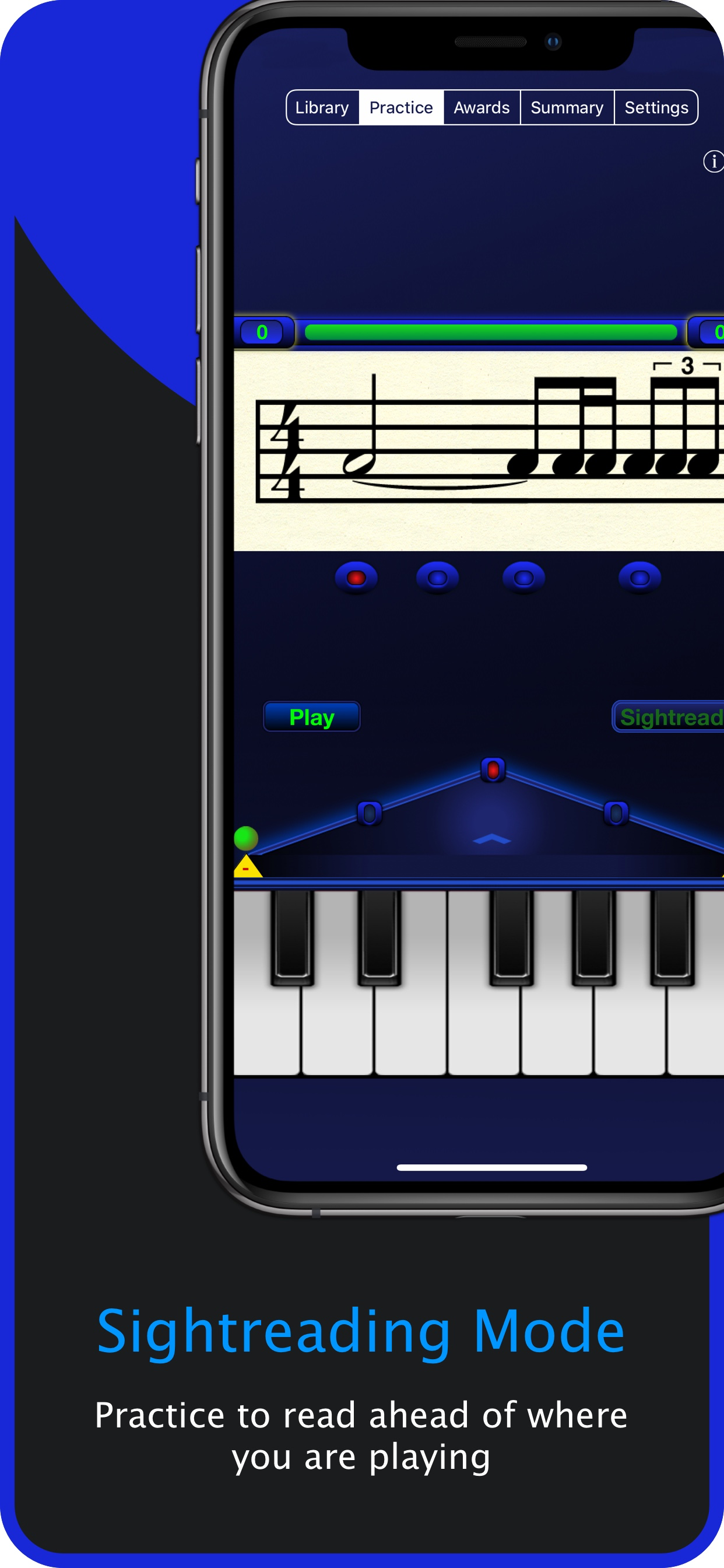
Learner Mode walks you through patterns one at a time with counting and visual cues. Sightreading Mode hands you a fresh pattern at the level you're working in and asks you to read it cold, the way you would on a music stand.
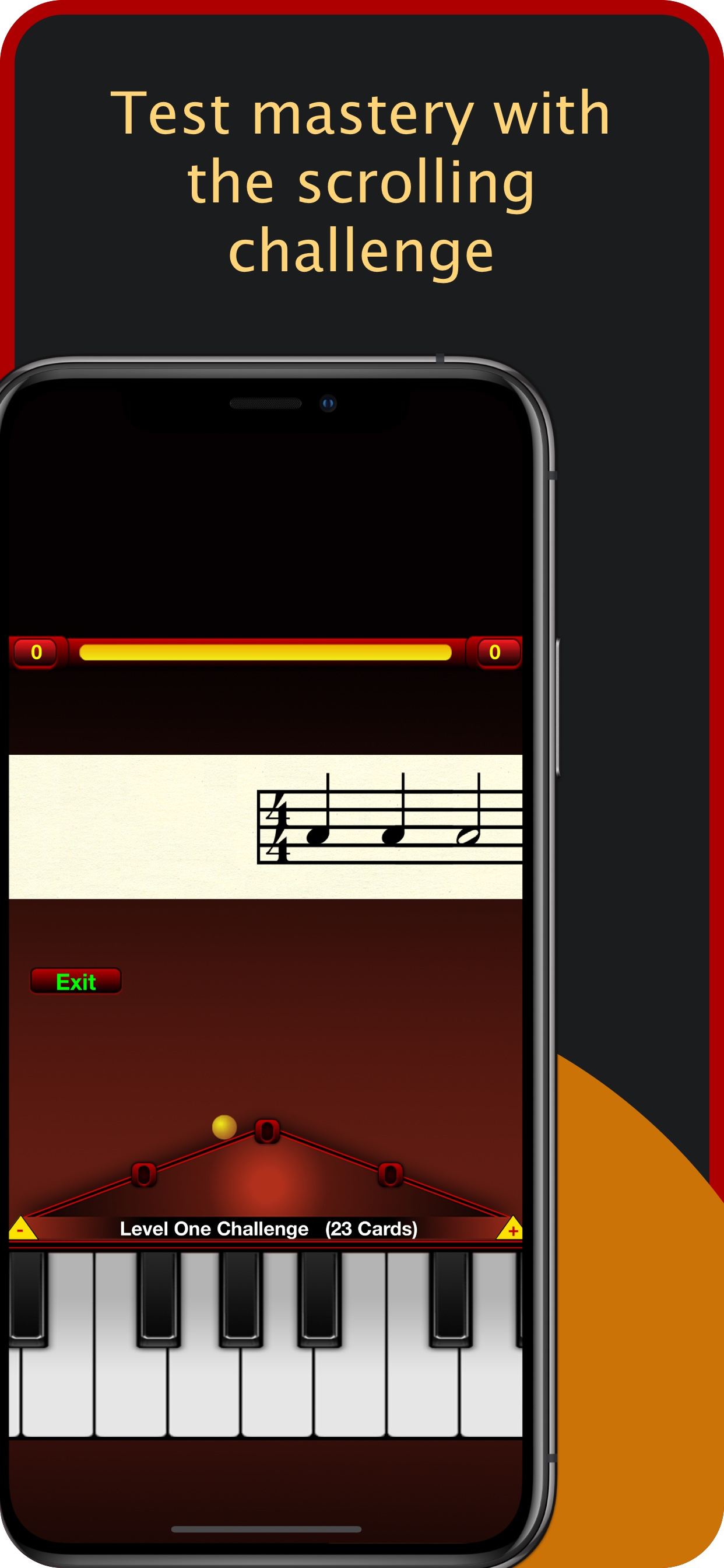
Each of the ten levels has a Test Mastery check. Pass it and the next level unlocks. Your progress saves automatically on your device β there's no account to create.
Open a certificate from the awards screen and tap the share icon. From there you can save it as a PDF, AirDrop it, email it, or send it to a printer.